
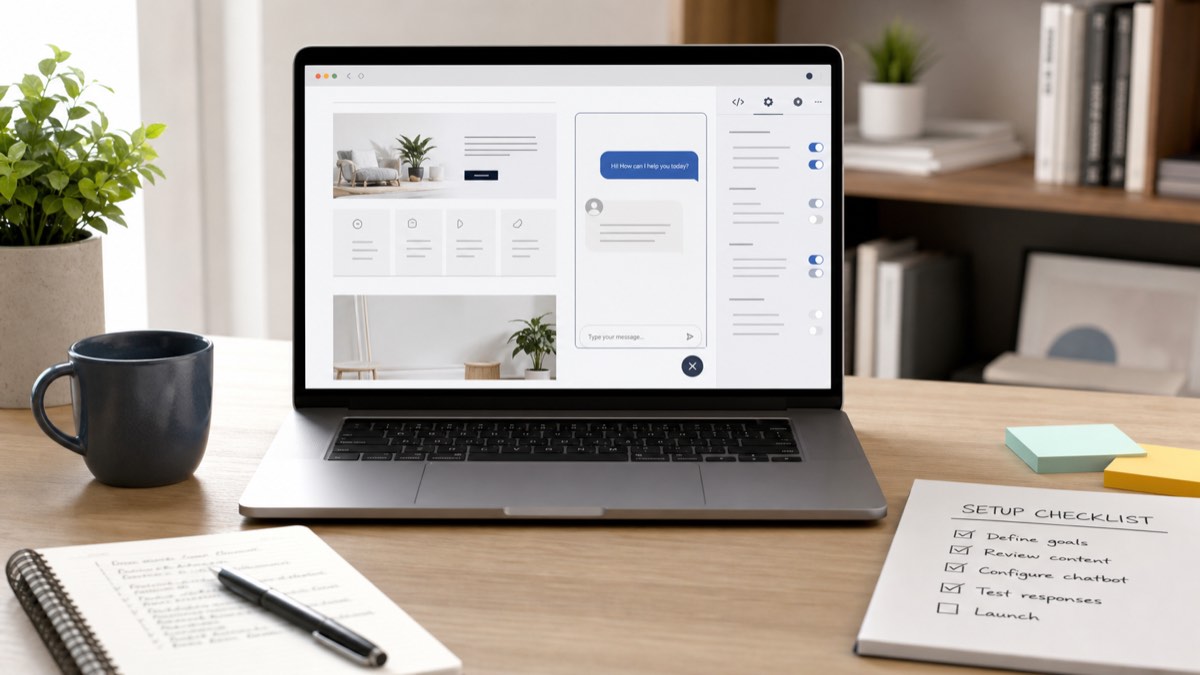
The mental model most business owners have for adding a chatbot is something like this: complicated, fragile, needs a developer, probably breaks something.
That model made sense five years ago. It does not reflect how the better platforms work today.
The misconception is costing people leads. They put off the decision, or they hand it to an IT contact who already has a backlog, and meanwhile their website keeps sending visitors away unanswered.
Here is what setting up an AI chatbot actually involves.
The Three Things That Actually Need to Happen
Strip away the technical framing and there are really only three steps.
Connect your content. The chatbot needs to know what your business does, what you offer, and how things work. That comes from your website pages, your FAQs, your service descriptions, and maybe a document or two. You are not writing new content from scratch. You are pointing the system at what already exists.
This is also a good time to separate questions that belong in a reference list from those that need a conversation. Our guide to why static FAQ pages fail to convert explains the difference.
Set the scope. You decide what the chatbot should and should not answer. It should handle enquiries about your services. It probably should not speculate about competitor pricing, legal advice, or anything outside your business. This is a configuration step, not a development task. Most platforms handle it through settings, not code.
Add the embed to your site. A snippet of code goes into your website footer or you install a plugin, depending on your platform. On WordPress, Webflow, Squarespace, or Wix, this is usually a short task. On a custom-built site, it is a small edit that any developer can do quickly.
That is the core of it.
What Takes the Most Time
The longest part of setup is not technical. It is content.
Before the chatbot goes live, someone needs to look at the source material and ask: is this accurate? Is it current? Does it actually answer the questions visitors ask?
If your FAQ has not been updated in two years, your chatbot will give two-year-old answers. If your pricing page is vague because you wanted flexibility, the chatbot will give vague pricing answers. The AI does not fill gaps with better information. It works with what you give it.
A content review before setup is not optional. It is the part that determines whether the chatbot actually helps people or just sounds like it does.
The technical steps, such as connecting, configuring, and embedding, typically take an hour or two once the content is in good shape. For most small businesses, the content review takes longer than the setup itself.
What You Do Not Need
A few things are commonly assumed to be requirements that are not.
You do not need a developer for most setups. For the majority of platforms and website builders, the embed is a copy-paste task. Even if you are on a custom-built site, it is a minor change.
You do not need a large content library to start. A handful of well-written pages covering your main services, pricing, process, and common questions is enough to launch a functional first version. You can expand from there.
You do not need to design the whole thing before going live. Many business owners delay launch waiting until everything is perfect: the tone is exactly right, every possible question is covered, the widget looks precisely how they imagined. In practice, real conversations teach you more than planning does. A good first version beats a perfect version that never ships.
What Live Actually Looks Like on Day One
Manage expectations here, because the gap between expectation and reality is where disappointment lives.
Day one is not a finished product. It is a first version that handles your most common questions correctly, refers visitors to the right place, and captures leads when it cannot help directly. It will have gaps. Some questions will expose training you did not think to include. That is normal and fixable.
What day one should do well: answer the questions your best customers most frequently ask. If a visitor asks about your services, your process, or how to get in touch, the chatbot should handle that confidently and accurately.
What improves over time: edge cases, unusual questions, and anything that requires judgment rather than information. These get better as you review conversations and fill in the training content.
The businesses that get the most value from AI chatbots are the ones that treat launch as the beginning of an ongoing process, not a one-time project.
A Realistic Timeline
For a small business with an existing website and reasonably up-to-date content, the setup usually breaks down like this:
- Content review and update: 2 to 4 hours
- Platform setup and configuration: 1 to 2 hours
- Embed and go-live: under an hour
- First round of testing: 1 hour
Total: about a day's work, often spread across a week if you are doing it around everything else. Not a major project. Not a developer dependency. A focused implementation task.
If your content is significantly out of date or you are starting from a sparse website, the content work takes longer. But that is work worth doing regardless of the chatbot. A clearer website helps visitors, sales calls, support conversations, and search visibility.
A Simple Pre-Launch Checklist
Before you switch the chatbot on, check five things.
Are the answers current? Prices, timelines, opening hours, service descriptions, availability, and policies should reflect what is true today.
Are the boundaries clear? The chatbot should know when to answer, when to ask a follow-up question, and when to hand off to a person.
Does it handle your top questions? Test the ten questions you hear most often from new enquiries. If it cannot answer those well, do not launch yet.
Does it capture leads when needed? If the visitor is ready to talk to your team, the chatbot should make that easy. It should not trap them in a conversation loop.
Does someone review the first conversations? The first week after launch is where you learn what visitors really ask. Use that information to improve the source content.
The question is not whether setup is complicated. It mostly is not. The real question is whether your website content is in good enough shape to train a chatbot that actually helps people.
Before choosing a platform, use these five signs of a genuinely useful AI chatbot to evaluate how it will behave with real visitors.
If you want a clearer picture of what that looks like in practice, see how a CYBOT AI website assistant can be set up around your existing website content.